iPhone and iPad
The studio runs in Safari. Add it to your Home Screen and it opens full screen like an app, even offline.
Open on iPhoneYour script scrolls right beside the camera, at the speed you choose. Frame in 9:16, add a virtual background and record in one take on iPhone, Android or computer. In the Android app, it can also follow your voice.
On iPhone: open the studio, then add it to your Home Screen.
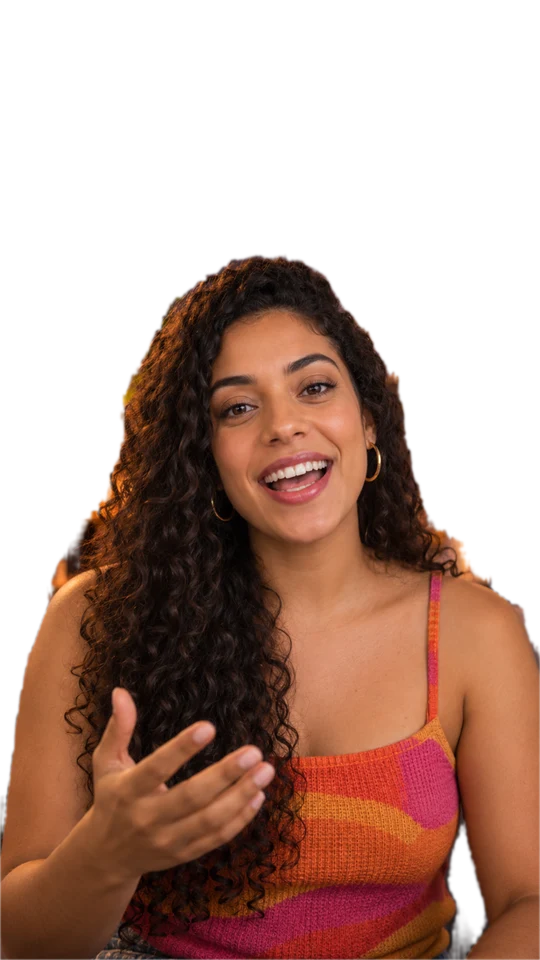 Hello! This is my first video with Pocket Teleprompter.Studio
1A great backdrop, no green screen
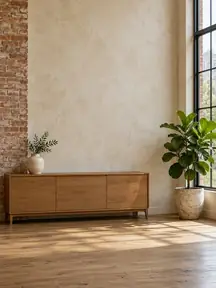
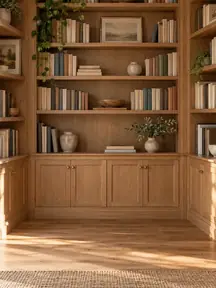
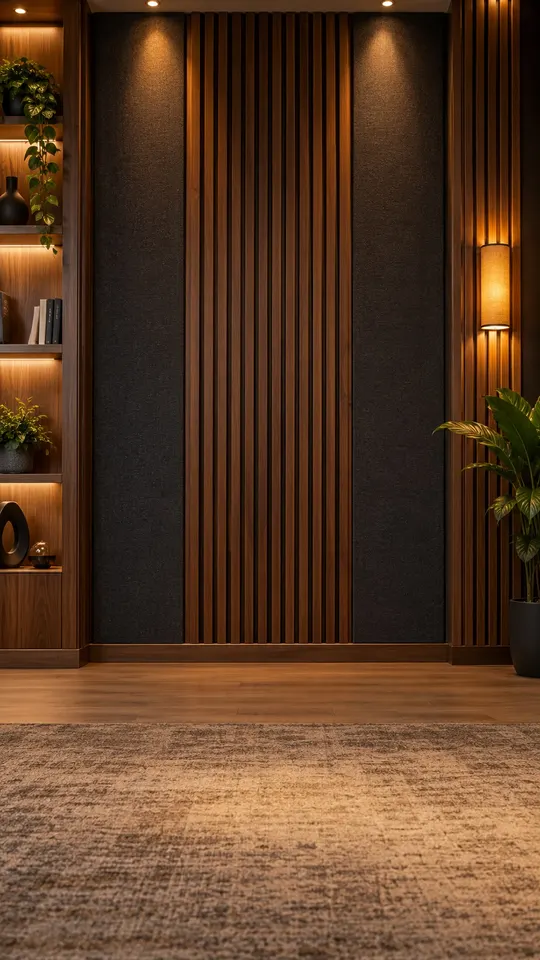
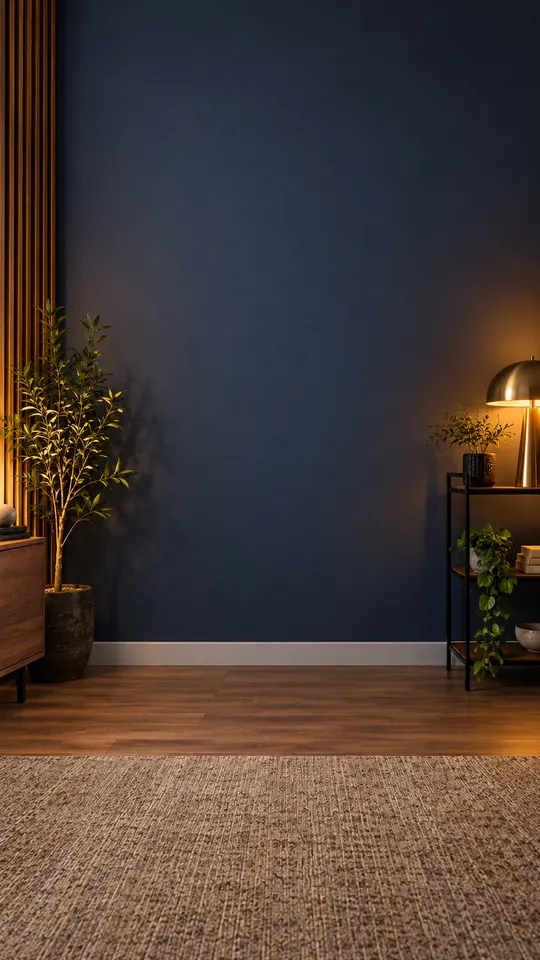
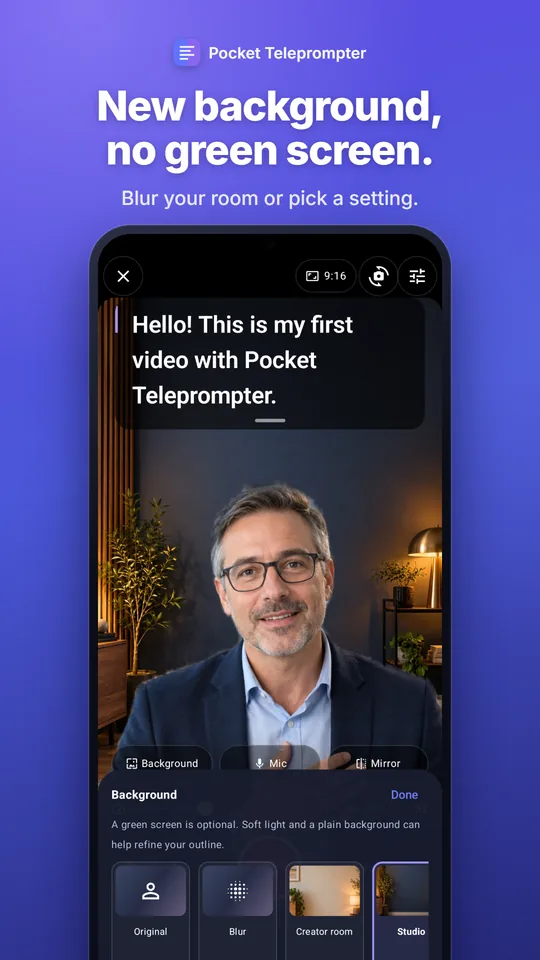
Blur the room or pick a scene, right while you record. Tap a background to try it: 10 virtual backgrounds, 3 of them free.
3 free backgrounds+7 with Premium, including your own image0 green screen
Scroll down: these are the real Pocket Teleprompter screens.
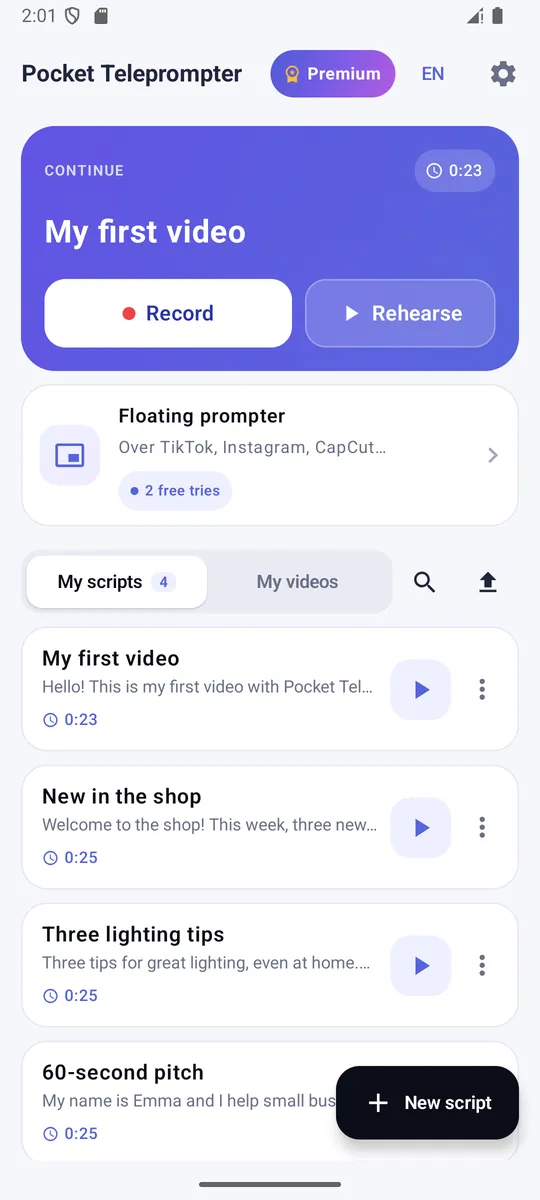
Write, paste or import your scripts. The reading time shows up, and each script starts in one tap: rehearse or record.
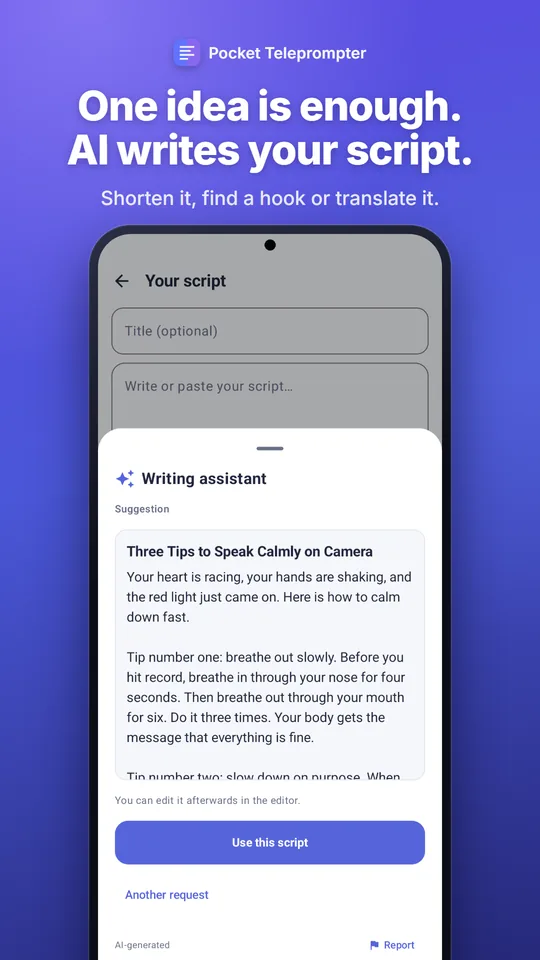
The writing assistant turns an idea into a script ready to read. It can also shorten it, find a hook or translate it.
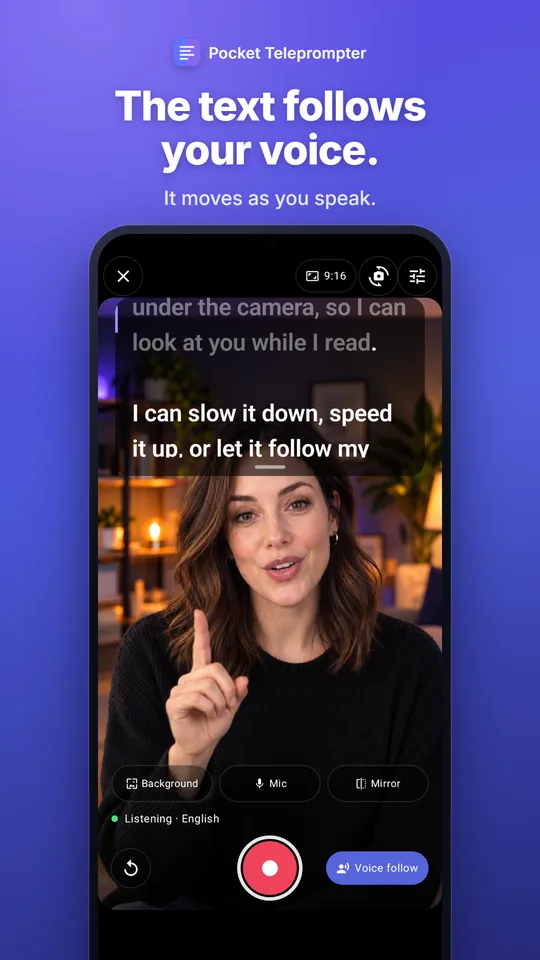
It moves when you talk and stops when you pause. No more guessing the speed.
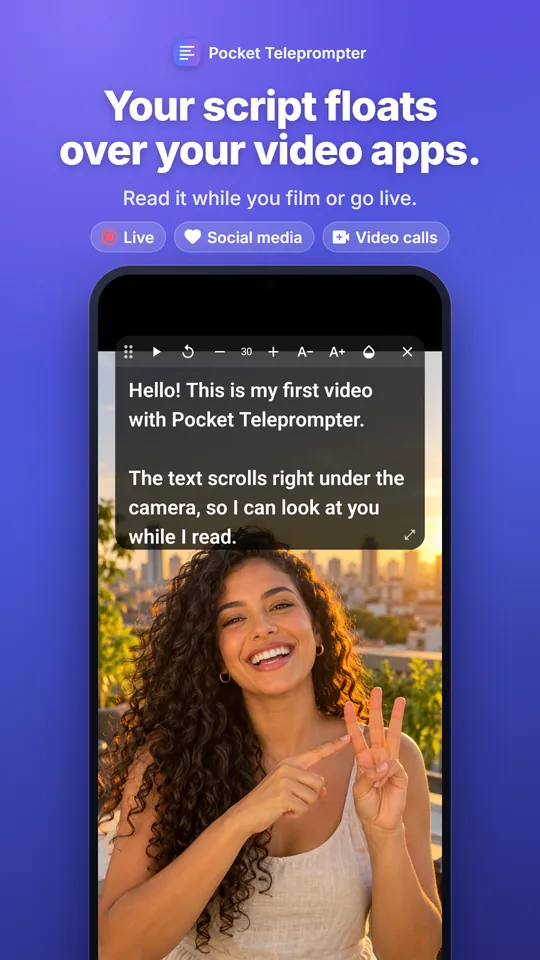
The floating prompter stays over TikTok, Instagram, CapCut or a video call, even live.
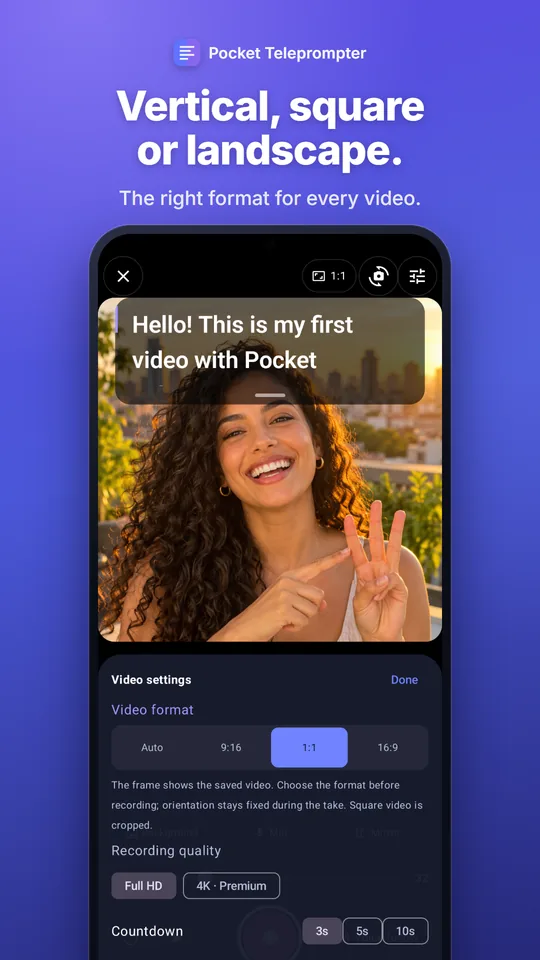
Vertical 9:16, square 1:1 or landscape 16:9, in Full HD, and 4K with Premium.
The studio runs in Safari. Add it to your Home Screen and it opens full screen like an app, even offline.
Open on iPhoneThe full app: the script follows your voice, a floating prompter over your other apps, an AI writing assistant, virtual backgrounds, and 4K with Premium.
Get it on Google PlayWebcam videos, presentations, online classes: read your notes while keeping your eyes on the camera.
Open the free studioPress play, change the speed and size, flip the text for a mirror rig. The full studio adds your camera, formats and recording.
Your script, your notes or a .txt file. You see the reading time right away.
Pick 9:16, 1:1 or 16:9 and a virtual background, then place the script near the lens.
Countdown, pause, playback. Download your video or send it to TikTok and Instagram.
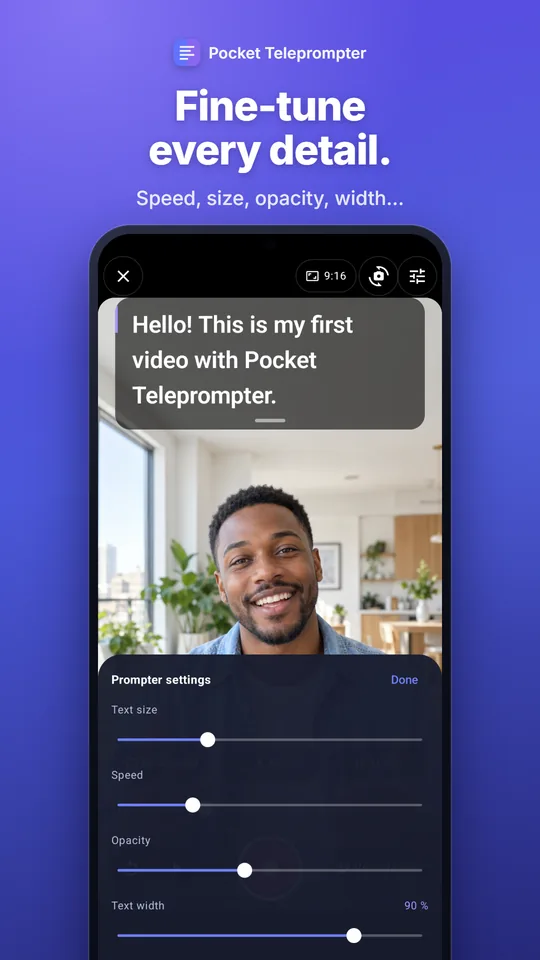
Adjust speed, text size and position while you read.
In the Android app, the script moves when you speak and waits when you stop.
9:16 for TikTok and Reels, 1:1 for the Instagram feed, 16:9 for YouTube.
Blur, creator room or studio, processed on your device without uploading the picture.
3, 5 or 10 seconds to get ready, then pause and resume without losing the take.
For glass teleprompter rigs: the text flips so it reads correctly in the reflection.
Once added to your Home Screen, the studio opens even without a connection.
No account. Your scripts and videos stay on your device.
New in 2.0: the script follows your voice, floats over TikTok, Instagram or your video calls, and an AI assistant writes your script from a single idea. Virtual backgrounds, 9:16, 1:1 and 16:9 formats, 4K on compatible phones. Free, with optional Premium.
 Scan with an Android phone
| Comparison | Free | Premium |
|---|---|---|
| Script length | 5,000 characters | 50,000 characters |
| Video quality | Full HD | 4K* |
| Virtual backgrounds | Blur + 2 scenes | 8 scenes + your own image |
| Voice follow and floating prompter | 2 tries a month | Unlimited |
| AI writing assistant | 2 tries a month | 100 credits a month |
| Ads | Yes | None |
| Price | Free | Monthly, yearly or lifetime |
*4K on compatible cameras with the Original background. Prices shown in Google Play.
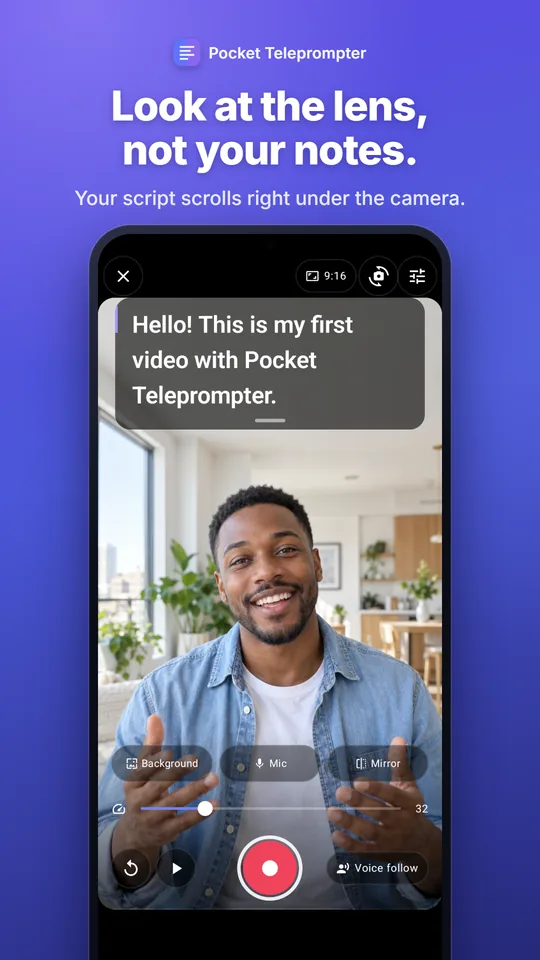
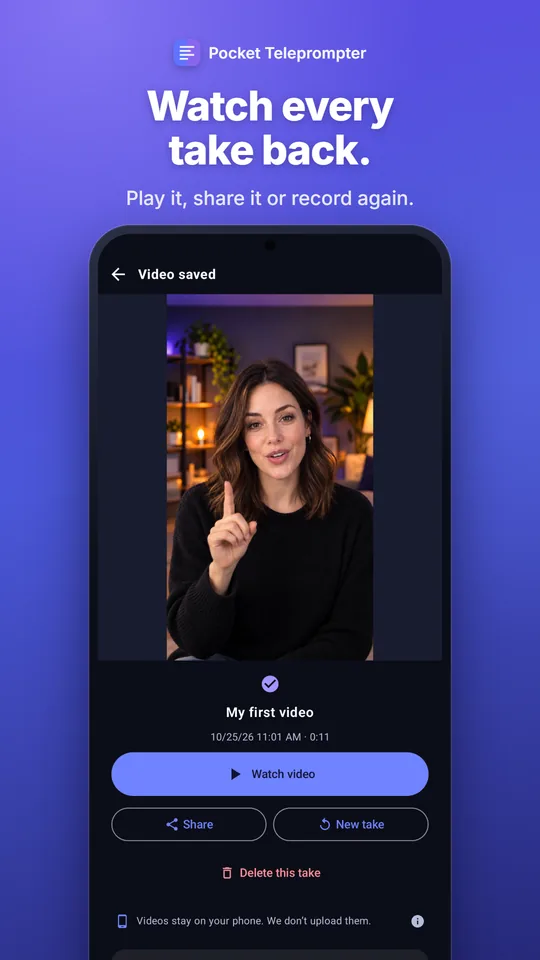
Pocket Teleprompter is a free teleprompter app for Android, available on Google Play. It needs no account: write or paste your script, it scrolls just below the lens while you record, and the video is saved to your gallery in Full HD. The interface comes in 5 languages: English, French, Spanish, Portuguese and Arabic. The free version shows ads; Premium is optional.
Yes. Open the online studio in Safari (pocketteleprompter.com/en/online-teleprompter/), paste your script, record, then download the video. It is free, with no sign-up and nothing to install. You can add it to your Home Screen to open it like an app. The iPhone app is coming soon to the App Store: leave your e-mail on the home page to hear about it.
Yes, on Android. Pocket Teleprompter’s floating prompter stays on top of your other apps: TikTok, Instagram, CapCut or a video call, even live. The free version gives 2 tries a month; it is unlimited with Premium. This feature is not available in the online studio.
Yes. The Android app has 10 virtual backgrounds, 3 of them free: blur, Creator room and Studio. Premium adds 6 scenes (Podcast, Bookshelves, Office, Loft, Lounge, Minimal) and your own image. The cut-out is done on the phone, with no green screen. The online studio also offers blur and two scenes for free.
Yes, in the Android app: the script moves when you talk and stops when you pause. It is a Premium feature, with 2 free tries a month. It uses Android speech recognition. The online studio does not offer voice follow: there you set the scrolling speed.
Yes. The Android app includes an AI writing assistant: it writes a script from an idea, shortens it, finds a hook or translates it. The free version gives 2 tries a month; Premium gives 100 credits a month. Your idea or script goes through our server to Anthropic (Claude) to write the suggestion, and is not kept.
Yes. The online studio is completely free with no sign-up. The Android app is free with ads; Premium (monthly, yearly or lifetime through Google Play) removes ads, makes voice follow and the floating prompter unlimited, gives 100 AI assistant credits a month, allows 50,000 characters per script and adds 4K and more backgrounds.
Open the free online teleprompter, paste your script, turn on the camera and press Record. The text scrolls just below the lens, at the speed you choose, while you record with sound. Then download the video as an MP4. On Android, the Pocket Teleprompter app does the same and saves to your gallery.
No. The script only shows on your screen; the saved video contains just the camera picture, with your chosen background, and the sound.
They stay on your device. In the browser, scripts are kept only if you turn on “Keep on this device”, and each video must be downloaded before you leave the page. On Android, videos go to your gallery. Only exception: when you use the Android app’s AI assistant, your idea or script goes through our server to Anthropic (Claude) to write the suggestion, and is not kept.
Yes: export a .txt file from the studio, then import it into the app. There is no automatic sync.
The official app for pocketteleprompter.com is published on Google Play by NogLabs with the ID app.videoteleprompter. Use the Google Play buttons on this site to avoid similarly named apps.
Free, no sign-up, on the phone or computer you already have.